
Web App vs Mobile App: Which Should Your Business Build First?
Founders and product leaders often encounter an immediate strategic crossroad when launching a new digital initiative: whether to build a browser-accessible web application or commit resources to native mobile platforms. Committing capital to both simultaneously rarely makes sense for an early-stage company or an enterprise testing a new business line. Splitting engineering attention across multiple codebases dilutes development velocity, doubles maintenance overhead, and burns through runway before the product demonstrates real market demand.
The choice between a web app vs mobile app is not simply a technical preference regarding programming languages or frameworks. It is a fundamental product distribution decision that directly impacts customer acquisition friction, ongoing infrastructure expenditure, and release agility. Selecting the wrong starting platform can introduce unnecessary friction into user onboarding, delay feedback loops, and complicate iterations when market assumptions inevitably shift.
Core Functional and Architectural Differences
Understanding how each platform operates at an architectural level helps clarify the operational tradeoffs your team will face throughout the lifecycle of the product.
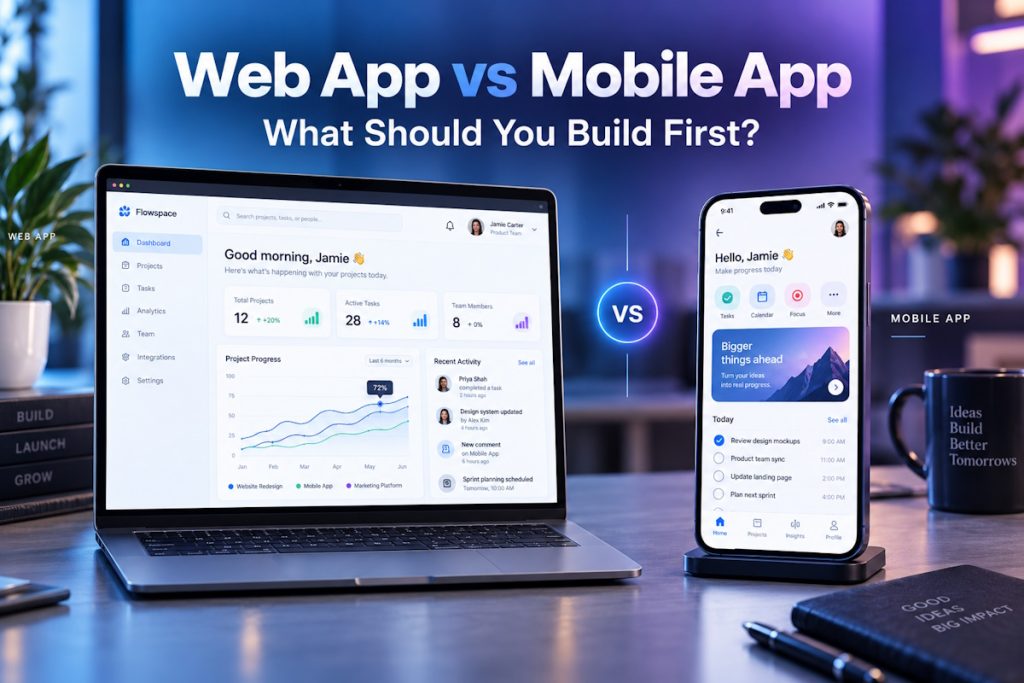
Web applications run inside modern browsers across desktop, tablet, and mobile screen sizes. Because the core user interface and logic execute within standard web environments, your engineering team maintains a single unified codebase. Updates deploy directly to production servers without passing through third-party gatekeepers. Distribution is tied to standard web protocols: users reach the product by clicking a URL, making search engines, marketing campaigns, and shared links immediately accessible.
Mobile applications, by contrast, are installed directly on an iOS or Android device. They are either engineered using native programming languages such as Swift and Kotlin or built using cross-platform frameworks like React Native and Flutter. Mobile apps operate within the device ecosystem, which unlocks direct access to local processing power and hardware peripherals. However, this deployment model introduces strict app store review guidelines, delayed deployment cycles, and platform-specific interface conventions that dictate how features must be architected.
When Web Application Development Should Come First
For many business models, launching via web application development provides the fastest path to meaningful user feedback while minimizing distribution friction. Several operational scenarios clearly favor web-first execution.
B2B Workflows and Complex Interfaces
Enterprise software, internal business tools, and complex data-driven platforms typically demand extensive screen real estate. Tasks that involve large data tables, multi-pane dashboards, deep administrative controls, and intense keyboard interactions belong naturally on desktop displays. Forcing these workflows onto mobile screens early in development often leads to degraded user experiences and convoluted navigation models.
Frictionless User Acquisition and Search Visibility
Requiring an unfamiliar prospect to download an app from an app store creates an immediate conversion hurdle. With a web application, onboarding can occur in a few clicks. Potential customers can evaluate a product instantly through organic search, inbound links, or paid acquisition funnels without committing storage space on their personal devices. If your business depends heavily on organic search engine discovery, a web-first footprint is practically mandatory.
Fast Iteration and Unrestricted Release Cycles
When searching for product-market fit, your team needs the ability to patch bugs, adjust messaging, and pivot feature workflows within minutes. Web deployment pipelines allow continuous delivery: code pushed to production is immediately accessible to every user who refreshes their browser. This eliminates the delay of waiting for mobile marketplaces to review and approve app updates, allowing your team to test hypotheses with minimal lag.
When Mobile App Development Makes Strategic Sense
While the web offers broader accessibility and faster deployment, specific business models cannot function properly without the native capabilities provided by mobile app development. In these situations, attempting to launch on the web first can produce an inferior product that fails to engage users.
Deep Hardware and Sensor Reliance
If your core value proposition requires continuous access to device hardware, mobile is essential. Features that depend on background geolocation tracking, Bluetooth Low Energy connectivity for hardware peripherals, camera integrations with augmented reality, or biometrics such as Face ID operate far more reliably inside native mobile containers. While modern web browsers support some hardware APIs, access remains restricted, inconsistent across devices, and subject to browser vendor policies.
Daily Retention and Push Notification Strategies
Consumer products built around daily habits, on-the-go utility, real-time communication, or on-demand services rely heavily on local operating system integration. Native push notifications remain a primary channel for driving retention and operational alerts. While web push exists, its implementation across mobile operating systems is less uniform and subject to higher permission drop-offs. If your business depends on frequent, intermittent interactions throughout the day, a home-screen presence is a competitive asset.
Offline Capabilities and Low-Latency Performance
Applications designed for field workers, logistics teams, or users operating in environments with intermittent connectivity require robust offline data synchronization and local storage. Native architectures allow precise control over local caching mechanisms, background data processing, and device thread management. Heavy computational tasks, such as offline audio processing, real-time gaming, or intensive graphic rendering, also achieve superior performance through native APIs.
Evaluating Cost, Maintenance, and Team Velocity
Allocating capital effectively requires looking beyond the initial development build. The real financial and operational weight of software lies in post-launch maintenance, security updates, and feature iteration.
Web applications generally present a lower total cost of ownership in their initial stages. A single development team fluent in modern web stacks can design, build, and deploy the entire platform. Quality assurance teams test across a manageable matrix of major browser engines rather than dozens of physical device configurations, operating system versions, and manufacturer-specific software variations.
Mobile projects introduce distinct cost drivers:
-
- Ecosystem Fees: Both major app stores levy mandatory annual developer fees and, more importantly, take a percentage commission on in-app purchases and digital subscriptions handled through their native billing engines.
-
- Platform Fragmentation: Even when using cross-platform tools, native bridge modules and platform-specific UI nuances frequently require specialized engineering knowledge for both iOS and Android.
-
- App Store Review Risk: App updates must clear marketplace guidelines. Rejections can stall critical marketing launches, delay hotfixes for production bugs, and create organizational uncertainty.
-
- Version Management: Unlike the web, where all users interact with the latest deployed version, mobile users adopt updates at varying rates. Back-end APIs must maintain backward compatibility for older client versions that users have not yet updated.
Designing an App Development Strategy for Validation
Formulating an effective app development strategy means aligning your initial platform choice with how you intend to prove your core business assumptions. For most teams, the goal of an initial launch is to test customer willingness to engage or pay, not to build an omnipresent multi-platform ecosystem on day one.
Many organizations successfully validate their concepts using a phased approach:
-
- Phase One (Web Foundation): Launch a responsive web application that accommodates desktop users and adapts cleanly to mobile browsers. This phase verifies core value propositions, refines database schemas, establishes back-end business logic, and gathers usage analytics with minimal capital outlay.
- Phase Two (Native Expansion): Once user behavior confirms that mobile access represents a high-frequency, high-value touchpoint, invest in mobile clients. Because your back-end APIs, authentication workflows, and database models are already proven, the mobile development process becomes faster and less risky.
Another intermediate option is evaluating Progressive Web Apps (PWAs). A PWA is essentially a web application enhanced with service workers, manifest files, and modern browser APIs to provide an app-like feel, basic offline access, and homescreen installation without passing through app store distribution. While PWAs face technical limitations on some operating systems, they provide a lightweight testing ground for mobile engagement without the overhead of native app store management.
Strategic Tradeoffs to Assess Before Committing Capital
Before issuing requests for proposals or directing internal engineering resources toward a build, technology leaders should weigh their product requirements against practical operational parameters.
Organizations planning to work with an external development partner should also consider software vendor selection as part of the platform decision. A capable partner should be able to explain the cost, scalability, maintenance, performance, and delivery implications of web-first, mobile-first, and phased development approaches rather than recommending a platform solely based on its own technical specialization.
-
- Target Audience Environment: Where are your users sitting when they encounter the problem you solve? If they are at an office desk, a web interface is the natural answer. If they are walking through a warehouse, traveling, or commuting, mobile accessibility is mandatory.
-
- Payment and Monetization Model: If your monetization relies on recurring digital subscriptions, building natively may subject your revenue to mobile marketplace transaction fees. B2B payments, invoicing, and corporate credit card billing integrate much more cleanly into web checkouts.
-
- Release Tolerance: Can your business afford a three-day turnaround for an app review when a critical workflow breaks? If continuous deployment is vital to operational survival, start with the web.
-
- Engineering Talent and Budget: Building native mobile apps often demands either hiring dual-platform specialists or accepting the framework abstraction tradeoffs of hybrid tools. If budget constraints are tight, concentrating resources on one high-quality web platform is far safer than delivering two mediocre mobile builds.
Frequently Asked Questions
1. Can a responsive website completely replace a mobile app?
A responsive website can handle most informational, eCommerce, and standard transactional workflows on mobile browsers. However, it cannot replace a mobile app when a product depends heavily on low-latency background operations, deep hardware integrations, reliable native push notifications, or consistent offline functionality.
2. Is it cheaper to build a web app or a mobile app?
Building a web app is typically more cost-effective initially because it requires maintaining only one codebase to serve desktop and mobile users. Mobile apps require supporting either two distinct native platforms or working with cross-platform frameworks, while also introducing ongoing costs related to app store compliance, review cycles, and multi-version API maintenance.
3. What is the difference between a web app and a progressive web app?
A standard web app runs inside a browser tab and requires an active internet connection. A progressive web app uses modern web capabilities, such as service workers and local caching, to allow home-screen installation, background data synchronization, and varying degrees of offline functionality without requiring users to download files from an app store.
4. How long does it typically take to launch a digital product MVP?
A focused web application minimum viable product often takes between two to four months to design, develop, and deploy. A mobile app project typically requires four to six months due to platform-specific testing, native performance optimization, and the formal submission and approval processes required by the app stores.
5. When should a company build both web and mobile simultaneously?
Simultaneous development is generally justified only when an organization has substantial capital, validated product-market fit, and distinct user personas whose needs cannot be met on a single platform. For example, a two-sided marketplace may require a desktop web portal for complex administrative operations alongside a mobile application for real-time customer or courier actions.
